
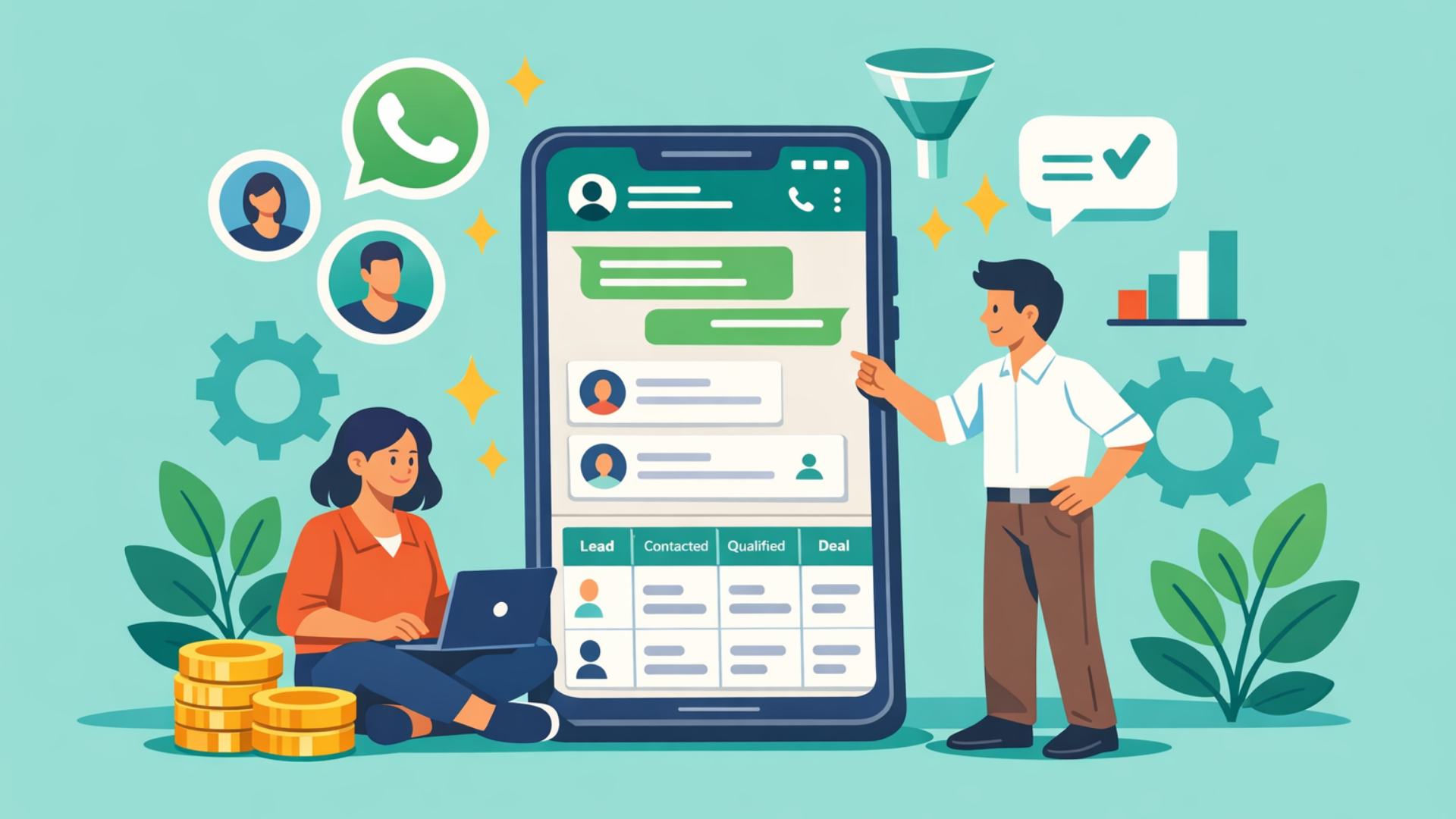


WhatsApp is used globally and in India on a massive scale where millions of people interact with businesses on a daily basis. Whatsapp business also has hundreds of active users - indicative of its potential for immediate reach and high open rates.
For instance, according to Wanotifier, an estimate of 175 million people interact with a business on WhatsApp every day, and WhatsApp Business reported very large MAU figures in late 2024. That makes the channel an obvious place to invest for support, notifications and even sales outreach.
In simple terms, WhatsApp CRM software helps businesses manage WhatsApp conversations inside a CRM system, so every chat is tracked, assigned, automated, and measured like any other sales or support interaction.
Below is a practical, research-backed guide to WhatsApp CRM integrations: what they are, which CRMs support them, use cases, and possible workflows.
What is WhatsApp CRM software?
Unlike using WhatsApp Business alone, a WhatsApp CRM software is designed for teams, automation, reporting, and scalability - not just 1:1 messaging.
In practice, this means WhatsApp becomes one communication channel inside the CRM. A salesperson can receive a new enquiry, view the customer's existing record, respond to the message, schedule a follow-up, and move the opportunity through the sales pipeline without switching between disconnected tools.
This distinction becomes especially important when several people handle the same customer. A conversation that starts with marketing, moves to sales, and later reaches customer support should not require each team to reconstruct the customer's history from separate WhatsApp chats.
WhatsApp Business vs WhatsApp CRM software
A practical caveat: WhatsApp Business features, messaging limits, verification options, pricing, and API capabilities can change by product, region, account type, and Meta's current policies. Businesses should verify the current limits and eligibility requirements before treating any particular broadcast volume, badge, or pricing claim as a fixed rule.
The more important distinction for businesses is operational rather than simply feature-based: WhatsApp Business can work well when one small team handles conversations manually, while a CRM-connected setup becomes more valuable when conversations need ownership, routing, automation, reporting, and connection to customer records.
Key Strategic Differences
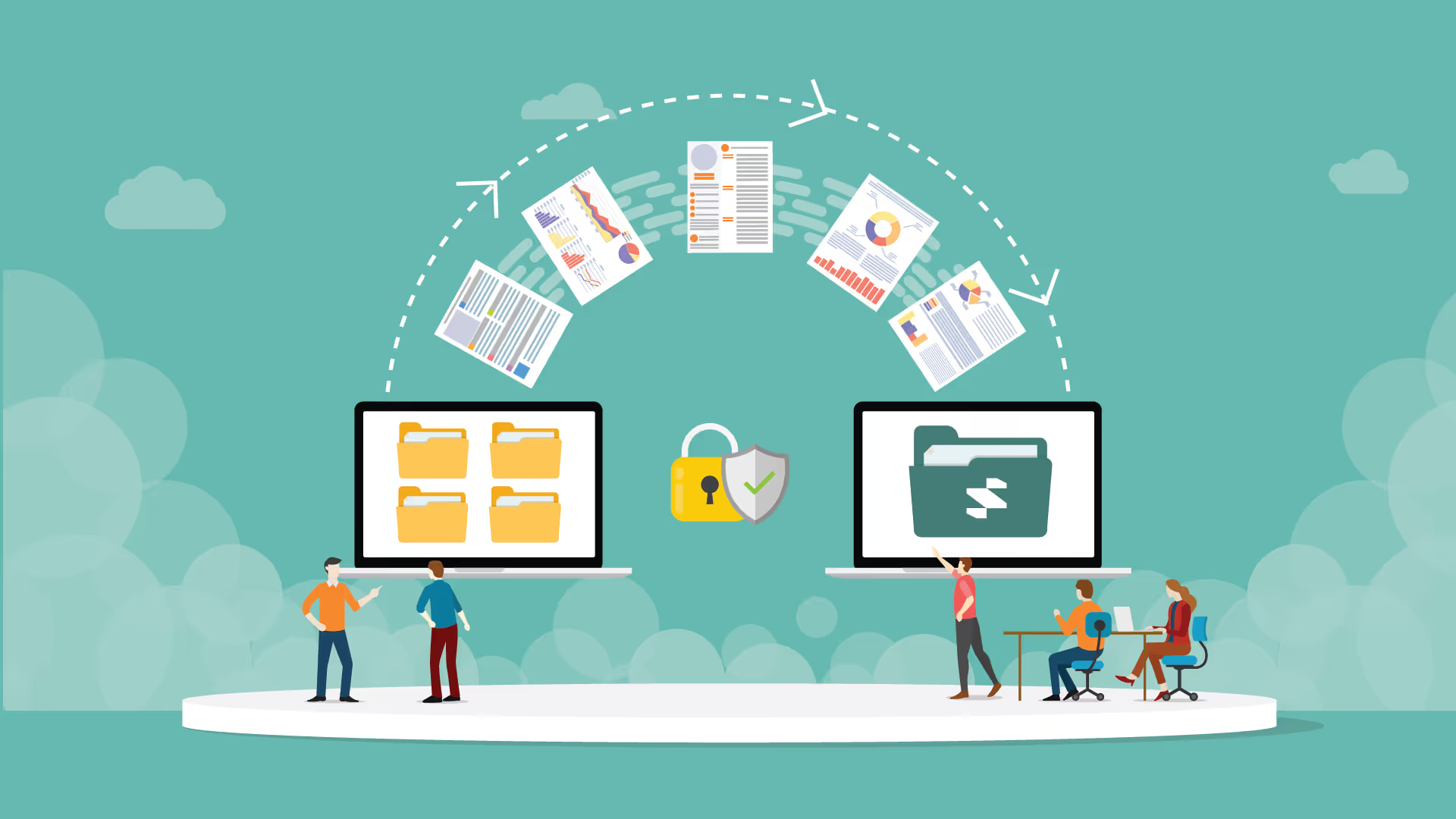
Data Security: In the Business App, customer data lives on a physical phone. If the phone is lost or an employee leaves, the data is gone. In a CRM, the data belongs to the company database.
The "Double-Reply" Problem: The App doesn't show you if another team member is already typing a response. A CRM "locks" a conversation to one agent to prevent duplicate or conflicting replies.
Proactive Growth: A CRM allows you to trigger automated messages based on outside actions - for example, sending a WhatsApp message automatically the second someone abandons a cart on your website.
There is another operational difference that matters just as much: context. A WhatsApp conversation may tell a salesperson what a prospect said, but the CRM can connect that conversation with lead source, deal stage, previous calls, emails, purchase history, tasks, and customer ownership. That context is what makes the channel useful for a larger sales operation rather than simply making messaging faster.
For example, imagine a real estate enquiry arriving at 10:30 AM. The prospect asks whether a property is available and wants to schedule a visit. In a disconnected setup, an employee replies on WhatsApp and may later forget to update the lead status. In a CRM-connected setup, the enquiry can create or update the lead record, assign an owner, record the conversation, create a site-visit task, and trigger a reminder if the prospect does not respond.
How does Whatsapp + CRM integration work?
At a high level, messages flow like this:
- Customer messages your WhatsApp Business number (or clicks a CTA).
- A WhatsApp API provider (Twilio, MessageBird, 360dialog, Infobip, WATI, Gupshup, etc.) receives the message and forwards it to your CRM or connector.
- In a shared CRM, the CRM will present the message tied to a contact record, trigger workflows (auto-acknowledge, assign to rep), and log the full conversation in the contact timeline.
- For outbound templated messages outside the 24-hour session window, the CRM sends approved templates via the provider; Meta charges a template fee and the provider adds their fee.
Two common integration models:
- Native CRM connectors - Offer built-in WhatsApp connectors or partner apps so conversations appear in the CRM inbox. For marketers and sales people, these tools are easiest to use.
- Middleware / BSP route - the CRM connects to a BSP (Twilio, Infobip, MessageBird) which handles API calls, message templates, scaling and regional compliance. This is common for enterprises needing global reach.
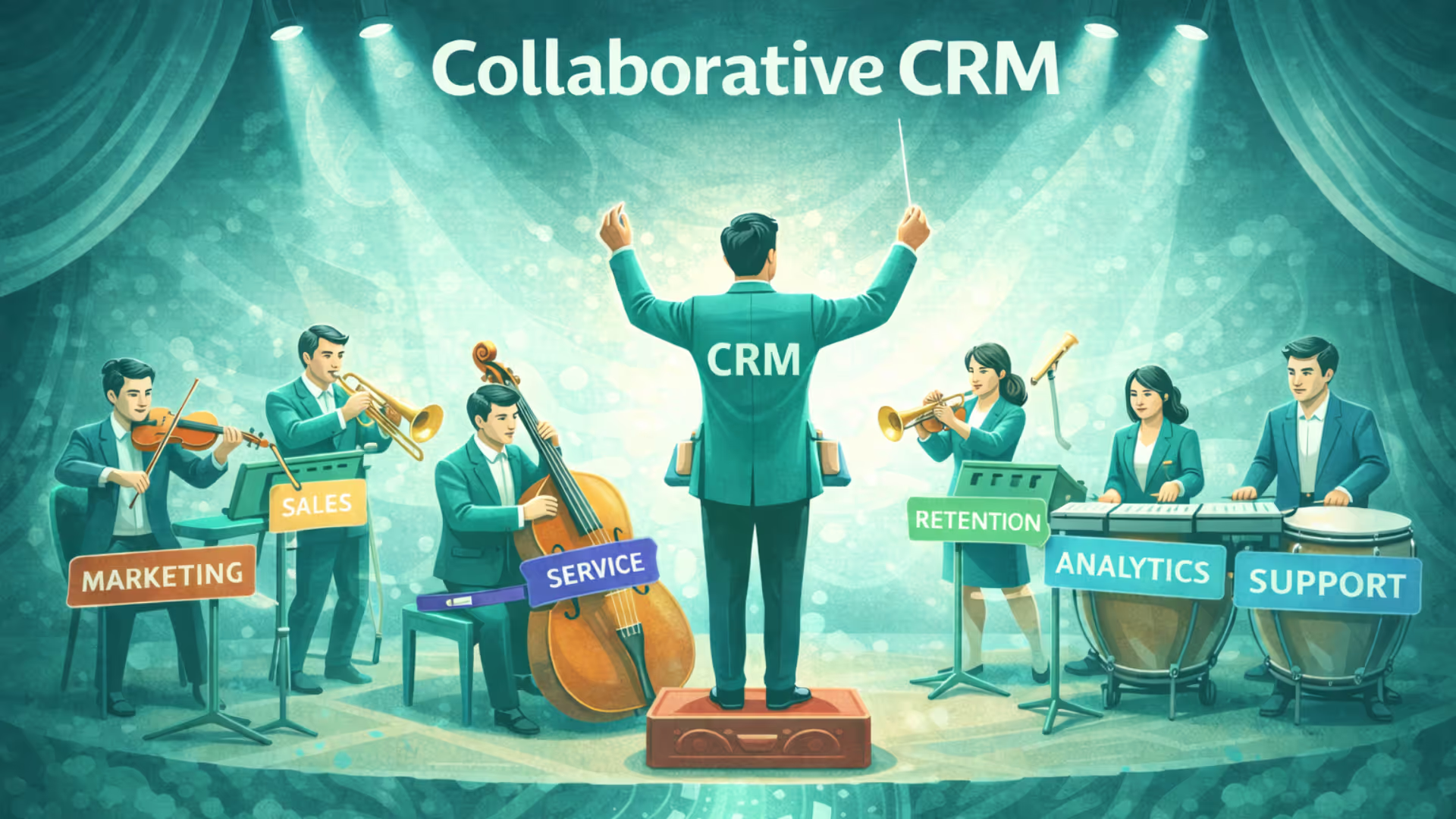
The important concept here is that the CRM is not replacing WhatsApp. It is adding an operational layer around it. WhatsApp remains the conversation channel, while the CRM handles identity, ownership, history, automation, workflows, and reporting.
Businesses should also design the integration around consent and messaging rules from the beginning. WhatsApp's current business policies require businesses to have the appropriate user permission before contacting people and require approved message templates for certain business-initiated conversations on the WhatsApp Business Platform. Users must also be able to opt out of future communications.
Key features to expect from a Whatsapp integrated CRM
- A shared inbox for multiple agents to manage chats and reassign conversations.
- Contact mapping for messages to land on the right record and chat history to be stored.
- Managing message templates and workflow approval.
- Automation: auto-acknowledgement, lead routing, follow-up sequences and bot handoffs.
- Media & interactive support (PDFs, images, buttons, quick replies, payment links).
- Management of consent and opt-in tracking.
- Reporting on messages, response times and conversion.
- Security & compliance: encryption, data retention controls, and PII redaction when needed.
Who should use WhatsApp CRM software?
- Education & admissions teams managing high inquiry volumes.
- E-commerce & D2C brands handling order updates and cart recovery.
- Healthcare & clinics sending appointment reminders.
- Real estate & brokers coordinating site visits.
- Customer support teams with SLA-driven workflows.
Use cases & possible workflows
- Sales lead capture → WhatsApp lead handoff
- Website CTA click → opens WhatsApp conversation via Click-to-WhatsApp.
- Messaging platform captures customer’s initial message, creates a lead in CRM, assigns to SDR, sends acknowledgement template.
- SDR sees conversation in the CRM timeline and replies from a shared inbox. (Goal: reduce response time to <10 minutes.)
Superleap can automate the entire lead assignment and distribution process based on criteria like language, region, or course interest, ensuring every high-intent lead reaches the right agent instantly.
- Order & shipment notifications
- The CRM automatically sends updates via whatsapp to the customers once their online order status changes. For this trigger, templates must be pre-approved.
- Cart abandonment recovery
- A reminder can be sent to the customers in case of abandoned cart using a recovery template along with product catalog link. These conversations can be tracked back to the CRM campaign.
- Support routing & SLA
- Incoming customer messages can be auto-assigned based on keywords or customer tier (VIPs to senior agents). An SLA timer starts in CRM with push alerts in case of missed queries.
- Appointment reminders & confirmations
- When an appointment is scheduled in the CRM, a trigger response is sent twice; 24 hours and 1 hour prior. In case, the customer reverts to this, the CRM record for that appointment is automatically updated.
- There is a list of templates available for appointment reminders, order confirmations, shipping updates with receipts and payment links (templates required for outbound outside 24-hour windows).
- Conversational support / ticketing
- Customers open tickets over WhatsApp and support agents handle them from the CRM shared inbox with SLA tracking.
WhatsApp CRM use cases beyond messaging
The strongest use cases are not limited to sending messages. They are situations where a WhatsApp interaction needs to trigger another business action.
For example:
Lead qualification: A prospect answers a few qualification questions on WhatsApp, and the CRM uses the responses to determine the appropriate sales queue.
Follow-up management: A salesperson finishes a conversation but the prospect says, “I’ll discuss this with my team and get back to you.” Instead of relying on memory, the CRM creates a follow-up task for the appropriate date.
Lead reactivation: A previously inactive prospect responds to a new campaign. The CRM surfaces the previous conversation and deal history so the salesperson does not approach the customer as if they are a brand-new lead.
Customer expansion: An existing customer asks about another product or service. The CRM can connect the conversation to the existing account and identify whether an upsell or cross-sell opportunity should be created.
Service-to-sales handoff: A support conversation reveals a potential upgrade requirement. Instead of asking the customer to repeat their problem to another team, the relevant context can be passed to sales.
WhatsApp CRM for B2B sales
WhatsApp CRM is not limited to e-commerce or high-volume consumer businesses. It can also be useful in B2B sales when buyers already use WhatsApp to communicate with sales representatives, account managers, distributors, or service teams.
A B2B buyer might first interact with a company through a website form, speak to an SDR over email, ask a product question on WhatsApp, attend a demo, and later message the account executive directly. Without a connected system, these interactions can become fragmented.
With WhatsApp integrated into the CRM, the sales team can connect those conversations to the same lead or account record. This gives the salesperson context before replying and gives managers visibility into the progression of the opportunity.
For B2B teams, useful workflows include:
- Lead qualification after a WhatsApp enquiry
- Demo scheduling and reminders
- Follow-ups after sales meetings
- Distributor and channel-partner communication
- Quotation and proposal follow-ups
- Customer onboarding
- Renewal reminders
- Account-management conversations
WhatsApp CRM metrics to track
Installing a WhatsApp integration does not automatically make the channel successful. Teams need to measure what happens between the first message and the eventual business outcome.
Useful metrics include:
- First response time
- Percentage of conversations assigned successfully
- Lead-to-qualified-lead conversion rate
- WhatsApp-sourced opportunities
- Meeting or demo booking rate
- Conversation-to-sale conversion rate
- Revenue generated or influenced by WhatsApp
- Follow-up completion rate
- Customer response rate
- Support resolution time
- Customer satisfaction
For example, if 1,000 prospects initiate conversations but only 30 become qualified opportunities, increasing the number of WhatsApp messages may not solve the problem. The team may need to investigate lead quality, qualification questions, routing, response time, or the sales follow-up process instead.
Conclusion
As much a messaging channel, WhatsApp is an essential business tool when paired with a CRM. It tracks conversations, receives immediate responses carries continuous conversations with customers, acting as a measurable, scalable, and revenue-driving channel.


.avif)
%201%20(1).svg)
.svg)
.svg)
.svg)
.svg)